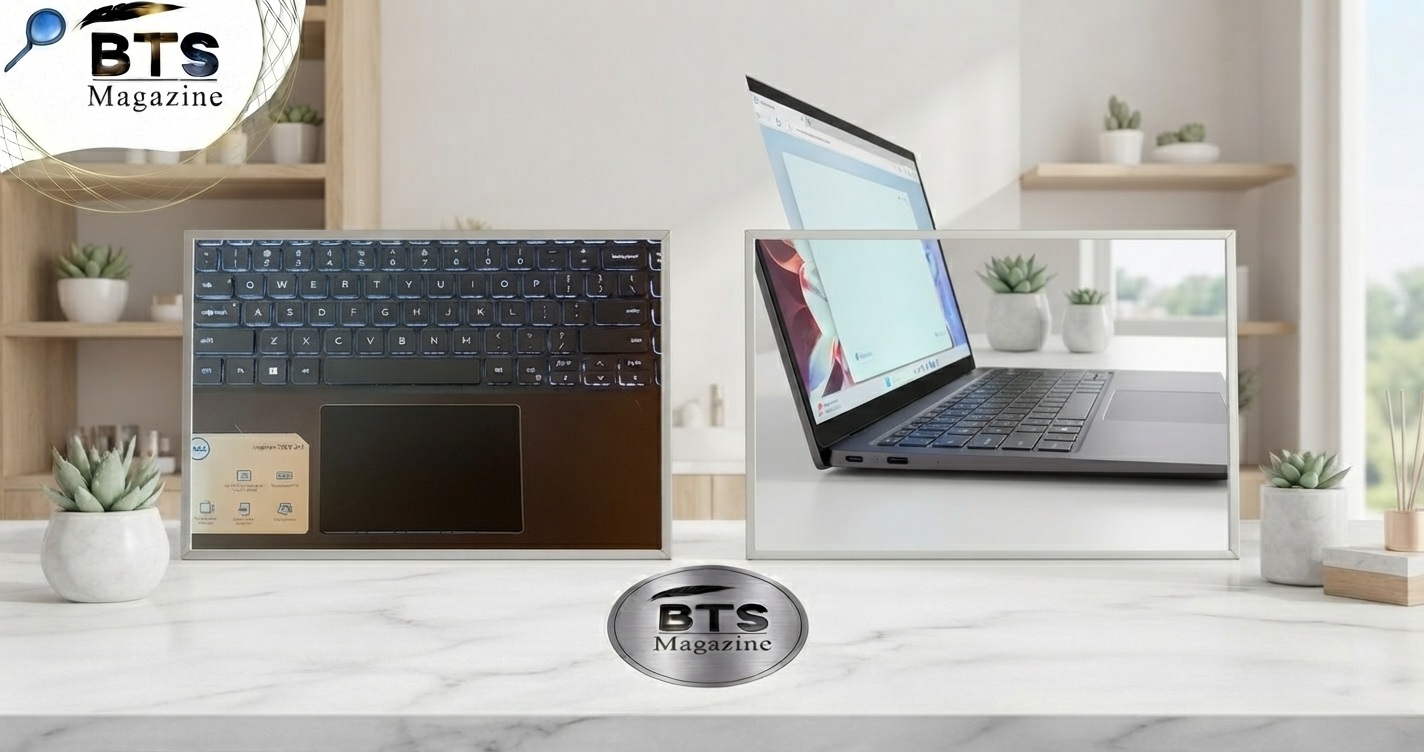
A Surface laptop trackpad popped out situation can be worrying, especially when the trackpad suddenly rises above the palm rest, feels loose, or stops clicking properly. While it may look like a simple hardware issue, a raised trackpad can sometimes point to pressure inside the laptop.
The good news is that you do not always need to replace the entire laptop. In some cases, the problem can be identified and repaired by a qualified technician. However, because opening a Surface device can cause additional damage, it is important to understand the cause before attempting a repair.
This guide explains why a Surface Laptop trackpad can pop out, what you should do immediately, possible repair options, mistakes to avoid, and when professional service is the safest choice.
What Is a Surface Laptop Trackpad Popped Out Problem?
A Surface laptop trackpad popped out problem happens when the trackpad becomes raised, loose, uneven, or partially separates from its normal position in the laptop’s palm rest.
A trackpad should normally sit flat and respond evenly when pressed. If one side rises or the entire surface becomes difficult to click, something may be putting pressure underneath it or the trackpad assembly may have become damaged or displaced.
Important: If the trackpad is suddenly lifting without an obvious impact, stop using the laptop and inspect it carefully. Internal battery swelling is one possible cause and can create pressure against components above it.
Why Is a Popped-Out Trackpad Important?
A raised trackpad should not simply be pushed back into place. The underlying cause matters.
One concern is a swollen lithium-ion battery. Batteries can swell because of age, damage, manufacturing defects, heat, or other internal problems. A swollen battery can press against nearby components and cause the trackpad, keyboard, or case to bulge.
Other possible causes include:
- Damaged trackpad mounting hardware
- A loose internal component
- Physical impact
- A bent chassis
- Trackpad assembly damage
- Previous repair work
- Internal pressure caused by battery swelling
A swollen battery is a safety issue, not just a cosmetic problem. If you suspect swelling, avoid puncturing, squeezing, charging, or continuing to use the device.
For general background on lithium-ion batteries and battery technology, you can also review the relevant information on Wikipedia’s lithium-ion battery page.
Key Features and Benefits of Proper Trackpad Repair
Fixing the problem correctly can restore both usability and safety.
1. Normal Trackpad Movement
A properly installed trackpad should sit level with the surrounding palm rest and move or click consistently.
2. Reliable Clicking
A damaged or displaced trackpad may have an uneven click. Correct repair can restore normal button operation.
3. Better Laptop Safety
If battery swelling is responsible for the problem, addressing the battery issue is much more important than simply repositioning the trackpad.
4. Prevents Further Damage
Continuing to press down on a raised trackpad may put additional stress on the display, chassis, trackpad, or internal components.
5. Restores Everyday Usability
Once the underlying fault has been repaired, gestures, clicking, cursor movement, and other trackpad functions can return to normal.
How to Fix a Surface Laptop Trackpad That Popped Out
Before doing anything, shut the laptop down and disconnect the charger if it is safe to do so.
Do not force the trackpad down.
Step 1: Inspect the Trackpad
Look at the trackpad from different angles.
Check for:
- A visible gap around the trackpad
- One side sitting higher than the other
- A new bulge in the palm rest
- Difficulty clicking
- A chassis that looks distorted
- Sudden changes that appeared without an impact
If the laptop looks swollen or distorted, stop here and seek professional assistance.
Step 2: Think About What Happened Before the Problem
Consider whether the laptop was recently:
- Dropped
- Pressed inside a tightly packed bag
- Exposed to excessive heat
- Opened for repair
- Exposed to liquid
- Showing battery or charging problems
If the trackpad popped out after an impact, mechanical damage is more likely.
If it gradually became raised with no obvious accident, internal battery pressure should be considered.
Step 3: Do Not Push the Trackpad Back
It can be tempting to press the trackpad down until it becomes flat again.
Do not do this if swelling is suspected.
Pushing against a swollen battery can damage the battery pouch. A damaged lithium-ion battery can become hazardous.
Step 4: Stop Charging if Swelling Is Suspected
If the laptop has obvious physical swelling, unusual heat, smoke, a chemical smell, or other signs of battery failure, stop using it.
Move away from the device and seek appropriate professional assistance. Do not attempt to puncture or remove a swollen battery yourself.
Step 5: Check Whether the Trackpad Still Works
If there is no indication of swelling and the device appears mechanically intact, you can observe whether the trackpad still responds.
Check:
- Cursor movement
- Left and right clicking
- Multi-touch gestures
- Scrolling
- Trackpad settings
Software settings can cause trackpad problems, but they generally do not physically make a trackpad pop out. A physically raised trackpad should therefore be treated as a hardware issue first.
Step 6: Choose the Right Repair Option
If the trackpad is physically displaced, internal inspection may be required.
Because Surface Laptop models are compact and difficult to service compared with many conventional laptops, professional repair is often the safer choice.
A technician can determine whether the issue involves:
- The battery
- Trackpad assembly
- Mounting hardware
- Chassis
- Internal cables
- Other components
Common Mistakes to Avoid
When a Surface laptop trackpad popped out, avoid these common mistakes.
Forcing the Trackpad Down
This may temporarily make the laptop look normal while leaving the underlying problem untouched.
Continuing to Use a Swollen Laptop
If the chassis is visibly expanding, continued use can increase the risk of damage.
Puncturing the Battery
Never poke, cut, crush, bend, or puncture a lithium-ion battery.
Using Excessive Heat
Heat can make an already damaged battery more dangerous.
Assuming It Is Only a Software Problem
Windows updates and drivers can cause trackpad behavior issues, but they cannot normally explain a physically raised trackpad.
Opening the Laptop Without Experience
Surface devices can contain tightly integrated components, adhesives, delicate cables, and batteries. An inexperienced repair attempt can turn a minor issue into a major one.
Expert Tips for Surface Laptop Trackpad Problems
Here are some practical tips that can save you time and prevent further damage.
- Back up important files if the laptop is still safe to operate and shows no signs of battery swelling.
- Do not press a raised trackpad flat.
- Photograph the condition before sending the device for repair.
- Note when the problem started and whether it happened suddenly or gradually.
- Mention any previous repairs to the technician.
- Check the warranty or service options before paying for third-party work.
- Do not ignore physical changes simply because the laptop still turns on.
- If battery swelling is suspected, prioritize safe handling over data access.
A useful rule is simple: if a laptop’s physical shape changes unexpectedly, investigate the hardware before troubleshooting software.
FAQs About Surface Laptop Trackpad Popped Out
Why did my Surface Laptop trackpad pop out?
A popped-out trackpad can result from physical damage, loose mounting parts, chassis deformation, or pressure from a swollen internal battery. If the trackpad rises without an obvious impact, battery swelling should be considered.
Can I push the Surface Laptop trackpad back down?
You should not push it back down if you suspect battery swelling. Pressing on a swollen battery can damage it. Have the device inspected by a qualified repair professional instead.
Is a popped-out trackpad always caused by a swollen battery?
No. Battery swelling is an important possibility, but it is not the only cause. Impact damage, mounting problems, chassis deformation, or a damaged trackpad assembly can also cause the issue.
Can a software update fix a popped-out trackpad?
No. Software updates may fix problems such as inaccurate cursor movement or gesture issues, but they cannot physically reposition a raised or displaced trackpad.
Can I repair a Surface Laptop trackpad myself?
It depends on the exact model and your repair experience. Surface devices can be challenging to open and service. If battery swelling is suspected, DIY battery removal is not recommended.
Should I keep charging my laptop if the trackpad is raised?
If the raised trackpad may be caused by battery swelling, stop charging and seek professional advice. Do not continue using or charging a visibly swollen device.
How much does Surface Laptop trackpad repair cost?
The cost depends on the Surface Laptop model and the actual cause. A simple trackpad or mounting repair may differ greatly from a battery or chassis replacement. Get a diagnosis and written estimate before approving the repair.
Conclusion
When your Surface laptop trackpad popped out, do not treat it as a simple cosmetic problem. A raised or displaced trackpad can be caused by mechanical damage, a failed mounting system, or potentially a swollen battery.
Start by shutting the laptop down, disconnecting power, and checking for signs of swelling or chassis deformation. Never force the trackpad back into place or puncture an internal battery.
If the cause is unclear, professional inspection is the safest option. A qualified technician can identify the faulty component and recommend the correct repair instead of masking the symptom.
If your Surface Laptop has a physically raised trackpad, act early. A quick inspection can help prevent further hardware damage and, in cases involving battery swelling, reduce a potentially serious safety risk.
Read also: EasyJet U2238 Emergency Landing Newcastle: What Happened?