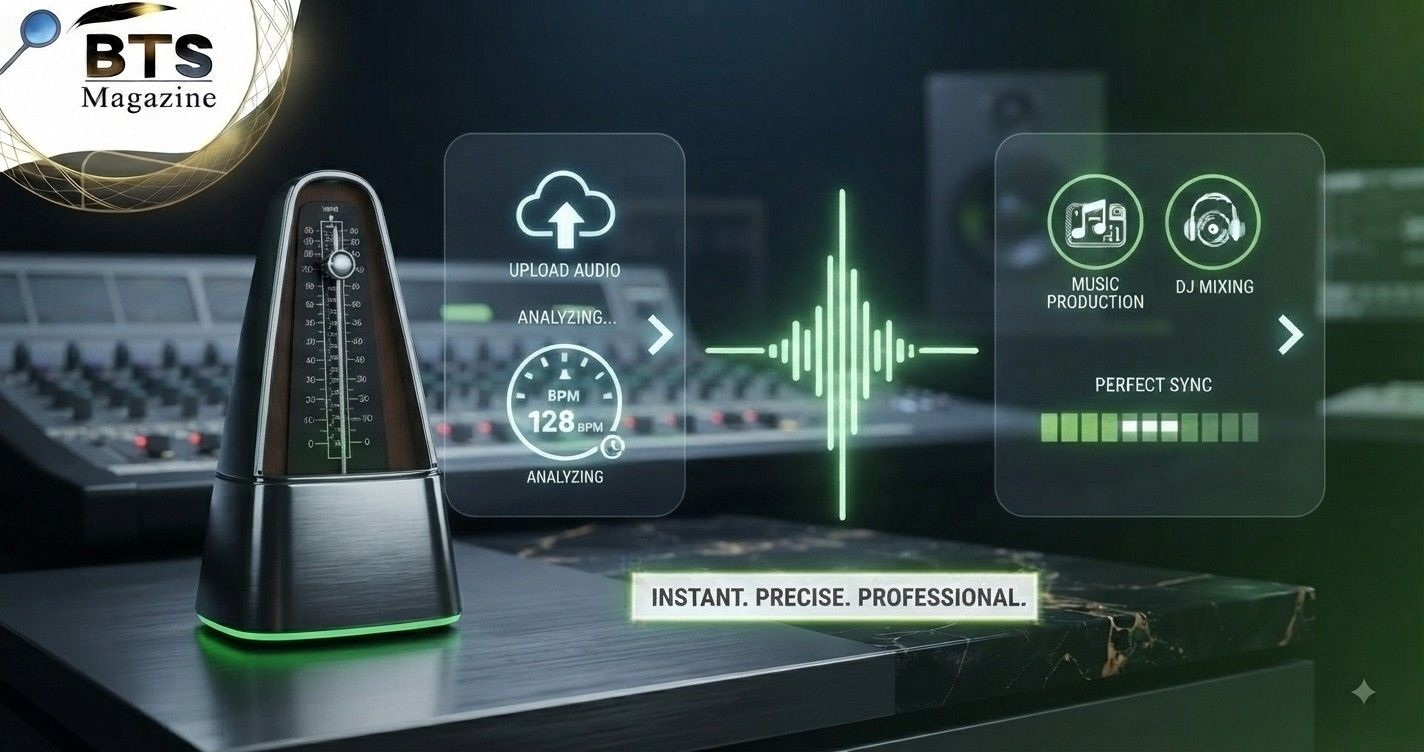
Finder Tempo is a simple way to identify the speed of a song by measuring its beats per minute, better known as BPM. Whether you are a musician, DJ, producer, dancer, video editor, or simply curious about a track, knowing the tempo makes it much easier to understand how fast or slow the music is.
You do not need advanced music theory to find a song’s BPM. In many cases, you simply listen to the beat, tap along with it, and let a tempo finder calculate the result.
Here’s the thing: tempo is one of those musical ideas that sounds technical at first but becomes very easy once you understand how BPM works.
What Is Finder Tempo?
A Finder Tempo tool helps you estimate or identify the tempo of music. Most tools display the result as a BPM number.
BPM stands for beats per minute. Tempo describes the speed or pace of a musical composition, and BPM provides a numerical way to measure that speed.
For example, a track at 60 BPM has a much slower pulse than one at 120 BPM. At 60 BPM, one beat occurs about once every second. At 120 BPM, the beat occurs about twice every second.
That simple measurement becomes surprisingly useful when producing, mixing, practising, or editing music.
What Does Tempo Mean in Music?
Tempo basically tells you how quickly the beat moves.
Think about tapping your foot while listening to a song. The steady pulse you naturally follow can often be used as the beat. Count how many of those beats happen during one minute, and you have the BPM.
In traditional music notation, composers may also use tempo words such as Allegro, Adagio, or Presto. Modern musicians and producers often use BPM because a number gives them a more precise reference for timing.
Why BPM Matters More Than You Might Think
BPM affects much more than whether a song feels fast or slow.
Musicians use tempo to practise consistently. Producers use it to organise projects. DJs need compatible tempos when blending tracks. Video editors may match cuts to musical beats.
Even dancers depend on a steady musical pulse when learning routines.
What’s interesting is that two songs can have a similar mood while having noticeably different BPM values. Tempo gives you an objective number instead of relying only on how fast the music seems to feel.
How a Finder Tempo Tool Works
A basic Finder Tempo tool usually works through tapping.
You listen to the strongest recurring beat and tap a button, keyboard key, or screen area in time with the music. The tool measures the time between your taps and calculates an estimated BPM.
The more consistently you tap, the more stable the result normally becomes.
Some music applications can also analyse audio automatically. These systems examine repeated rhythmic patterns and attempt to estimate the underlying tempo without requiring manual tapping.
How to Find BPM by Tapping
Using a tap tempo finder is straightforward.
Start the song and listen for the main pulse. It may be a kick drum, snare pattern, bass movement, or another repeating rhythmic element.
Tap along with that pulse several times.
Do not worry if the first few taps produce changing numbers. Once your tapping becomes consistent, the displayed BPM should begin to settle around a particular value.
For better results, continue tapping for several beats instead of relying on only two or three taps.
Finding BPM Manually Without a Tool
You can also calculate BPM yourself.
Count the beats for a fixed amount of time and convert the result into beats per minute.
For example, count the beats for 15 seconds and multiply that number by four.
If you count 30 beats:
30 × 4 = 120 BPM
You could also count for 30 seconds and multiply by two.
Longer counting periods generally reduce the effect of small timing mistakes, although using a digital tempo finder is usually faster.
Why Accurate BPM Results Matter
A small BPM difference may not seem important when casually listening to music.
In production or DJ work, though, accuracy can matter quite a bit.
Imagine one track is actually 126 BPM but you believe it is 120 BPM. Trying to line it up with another song may produce timing problems fairly quickly unless software corrects the difference.
Accurate tempo information can help with beatmatching, looping, remixing, recording, practising, and synchronising audio with visual content.
Finder Tempo for DJs
DJs regularly work with BPM because tempo plays a major role in smooth transitions.
If two tracks have similar tempos, aligning their beats is usually easier than trying to mix songs with dramatically different speeds.
Modern DJ software often analyses BPM automatically, but manual checking can still be useful when a reading seems questionable.
A Finder Tempo tool can therefore act as a quick second opinion, especially when organising a music collection or checking an unfamiliar track.
Finder Tempo for Music Producers
Producers usually set a project tempo inside a digital audio workstation, commonly called a DAW.
Knowing the BPM of samples, loops, vocals, or reference songs makes arranging music easier. A drum loop recorded at one tempo may need stretching or adjustment before it fits naturally into a project running at another tempo.
A tempo finder can also help when recreating a groove from a reference track without copying the actual composition.
You identify the approximate speed and then build your own musical ideas around that timing.
Tempo Finding for Musicians
Musicians can use BPM information during practice.
Suppose you are learning a difficult guitar passage. Instead of trying to play at full speed immediately, you could find the original song tempo and practise significantly slower.
You might begin at 70 BPM, then gradually move to 75, 80, and 85 BPM.
This makes progress easier to measure because you have a clear numerical reference rather than simply saying, “I think I’m playing faster.”
Using BPM for Dance Practice
Tempo is also useful for dancers.
A dance routine built around a particular song depends heavily on rhythmic timing. Knowing the BPM can help dancers compare tracks, practise movements at different speeds, or choose music with a similar pulse.
For instructors, this can be especially handy when selecting songs for warm-ups, classes, rehearsals, or choreography.
The BPM number does not tell you everything about a song, but it gives you a useful starting point.
Why a Tempo Finder Can Show Half the BPM
One confusing situation happens when a tool displays a BPM that seems much slower than expected.
Imagine you expect about 140 BPM but receive a result close to 70 BPM.
The reading may not necessarily be useless. Sometimes the rhythmic pulse can reasonably be interpreted at half-time or double-time. A listener may count one level of the beat while a tool detects another.
For this reason, it helps to consider musical context instead of accepting every number blindly.
Double-Time BPM Can Cause Confusion Too
The opposite can happen as well.
A song that seems to sit comfortably around 80 BPM might sometimes be counted at 160 BPM depending on how the pulse is interpreted.
Neither number automatically tells you whether the music will feel relaxed or energetic. Rhythm, drum patterns, subdivisions, instrumentation, and performance style all affect that impression.
To be honest, this is one reason human listening remains useful even when software can analyse tempo automatically.
How to Get Better Results From Finder Tempo
Getting accurate results with Finder Tempo depends partly on how you use it.
Try listening for a strong, repeating rhythmic pulse rather than tapping every sound you hear. Kick drums are often helpful in modern music, but they are not always the correct beat to follow.
Tap evenly and keep going for several seconds.
If your result jumps between nearby numbers, restart and try again. Repeating the test two or three times can help you identify the most consistent value.
Use a Clear Part of the Song
Not every section of a track is equally useful for tempo detection.
An intro may contain pads, vocals, effects, or free-time instruments without a clear beat. A breakdown may also remove the rhythmic elements you need.
Try using a section where the drums or pulse are easy to hear.
A chorus, verse, or instrumental section with consistent percussion usually makes manual tapping easier.
This small change can greatly improve your confidence in the result.
Automatic BPM Detection vs Manual Tapping
Automatic detection is convenient because you can let software analyse the audio for you.
Manual tapping has a different advantage: you decide which musical pulse you are following.
Neither approach is perfect for every song.
Straightforward electronic tracks with steady drums may be relatively easy for automatic analysis. Music containing tempo changes, unusual rhythms, live drumming, or weak percussion can be more challenging.
When something looks wrong, manually tapping along with the track is a useful way to check it.
Can a Song Change Tempo?
Yes. Not every recording stays at exactly one BPM from beginning to end.
Some compositions intentionally change tempo between sections. Live performances can also contain natural timing variation because human musicians do not always play with machine-like consistency.
That means a Finder Tempo result may describe one section rather than perfectly representing an entire recording.
If you suspect the tempo changes, test several sections separately. You may discover slightly different readings or an intentional shift in speed.
BPM and Metronomes Work Together
Once you know a song’s BPM, a metronome becomes very useful.
A metronome produces a regular pulse at a chosen tempo. Musicians have long used metronomes to practise timing, maintain a steady pace, and work toward performance speeds. Modern metronomes commonly display tempo in BPM.
For example, if your song is around 100 BPM, set a metronome to 100 BPM and compare its click with the music.
If the click stays aligned with the beat, your estimate is probably close.
BPM Does Not Define Music Genre
It can be tempting to identify a genre based only on BPM, but that is unreliable.
Tempo can help describe a song, yet music genres are defined by many other features, including rhythm, instrumentation, harmony, production style, cultural background, and performance techniques.
Two tracks at exactly 120 BPM could sound completely different.
Use BPM as one piece of information rather than treating it as a complete description of the music.
Useful Features in a Good Tempo Finder
A useful Finder Tempo does not need dozens of complicated options.
For basic use, quick tap recognition, a clearly displayed BPM number, reset controls, and smooth updating are usually enough.
Some people may also appreciate features such as decimal BPM readings, keyboard tapping, average tempo calculations, beat counters, or mobile-friendly controls.
The best option depends on what you are doing. A guitarist practising songs may need something very simple, while a producer may want more detailed analysis.
Common Mistakes When Finding a Song’s Tempo
One common mistake is tapping too quickly.
Instead of following the main beat, you may accidentally tap smaller rhythmic subdivisions. This can produce a result that appears roughly double the expected tempo.
Another mistake is choosing a section without a steady pulse.
Finally, stopping after only a few taps can make the estimate less stable. Give the Finder Tempo enough repeated taps to calculate a useful average before trusting the number.
Who Can Benefit From a Tempo Finder?
Tempo tools are useful for more people than professional musicians.
DJs can check tracks before mixing them. Producers can identify sample tempos. Guitarists and pianists can create structured practice routines. Drummers can study timing. Dance instructors can compare songs for routines.
Video creators may also use BPM when timing edits to music.
Even casual listeners can use a tempo finder simply because they are curious about why one song feels faster than another.
Is Finder Tempo Difficult to Use?
Not at all.
If you can hear a steady beat and tap along with it, you can usually estimate BPM within seconds.
The main skill is learning to identify the underlying pulse instead of reacting to every drum hit or musical note.
With a little practice, this becomes quite natural.
Once you understand that BPM is simply a measurement of musical speed, tempo-finding tools stop feeling technical and become practical everyday music utilities.
Final Thoughts on Finding Accurate BPM
A good Finder Tempo tool gives musicians, producers, DJs, dancers, and everyday listeners a fast way to understand the speed of a track. Tap steadily, use a section with a clear rhythm, and double-check unusual readings such as half-time or double-time values. For additional background on how musical speed and BPM are defined, you can read the Wikipedia article about tempo, which explains the relationship between tempo, musical pace, and beats per minute.