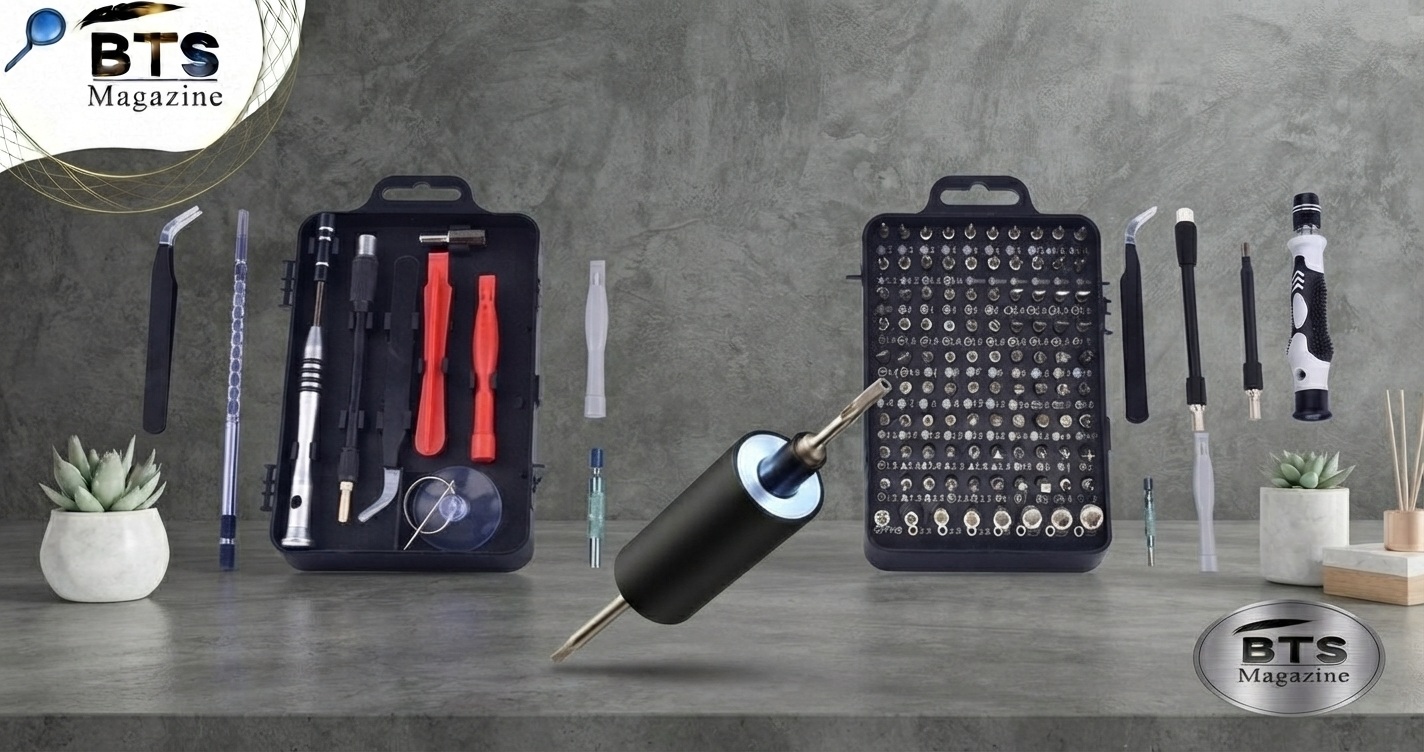
Opening a small electronic device can become frustrating when you reach a screw that your regular Phillips screwdriver simply cannot grip. This is where the iFixit Tri-Point Y1 screwdriver becomes useful. Designed for three-point or Y-shaped fasteners, it is a precision tool made for electronics repair and other small DIY jobs.
Whether you are repairing a game controller, working on an older Apple laptop battery, or taking apart a small electronic device, having the correct screwdriver can prevent stripped screws and unnecessary damage. iFixit lists the Y1 as a precision screwdriver for electronics repair and DIY projects, including certain Apple laptop battery fasteners.
What Is an iFixit Tri-Point Y1 Screwdriver?
The iFixit Tri-Point Y1 screwdriver is a precision hand tool designed to fit screws with a three-point, Y-shaped head. These screws are sometimes called tri-point or tri-wing-style fasteners, although the exact screw design and driver size can vary.
Unlike a standard Phillips screwdriver, the Y1 has three contact points designed to match compatible three-point screws. This makes it useful for electronics where manufacturers use less-common fastener designs.
According to iFixit, the Y1 fits some fasteners found in Apple laptop batteries and can serve as an alternative to Apple Tool 922-8991. iFixit also lists it for various electronics and game-related repairs.
In simple terms: the iFixit Tri-Point Y1 screwdriver is a small precision screwdriver for removing and installing compatible Y-shaped screws without relying on improvised tools.
Why Is the iFixit Tri-Point Y1 Screwdriver Important?
The right screwdriver does more than make a repair easier. It helps protect the screw head and the device around it.
Using a Phillips driver on a Y-shaped screw, for example, may provide poor contact. With enough pressure, the wrong tool can slip and damage the fastener.
The Y1 is important because it gives you a better match for compatible three-point screws.
Key reasons to use one include:
- Better screw engagement with compatible Y-shaped fasteners
- Less risk of stripping compared with using the wrong driver
- Useful for precision electronics repairs
- Comfortable handling for small screws
- Helpful for DIY repair and maintenance
- Suitable for certain Apple and gaming-device repairs
iFixit’s tri-point screwdriver category notes that these tools are commonly used with Y-shaped screws found in products from companies such as Apple and Nintendo.
Key Features and Benefits
The ifixit tri-point y1 screwdriver is built for precision rather than heavy mechanical work.
1. Three-Point Y1 Tip
The most important feature is the precision Y1 tip. Its three-point shape is designed to engage compatible security-style screws.
Always check the exact screw size before starting. A Y1 is not interchangeable with every tri-point size.
2. Precision 60 mm Shaft
The standard iFixit Y1 model lists a 60 mm shaft length, giving users enough reach for many small electronic assemblies.
3. Ergonomic Handle
The screwdriver has a knurled grip and rubberized ergonomic handle. It also includes a swivel top, which can make controlled turning easier during delicate repairs.
4. Steel Construction
iFixit lists SVCM steel for the driver material and polymer for the handle. The design is intended for repeated precision work rather than occasional use only.
5. Lifetime Guarantee
iFixit states that its tools are covered by a lifetime guarantee, with replacement offered if a tool breaks during ownership.
6. Repair-Friendly Design
The small size and fixed precision tip make the tool practical for electronics benches, home repair kits, and DIY projects where ordinary screwdrivers are too large.
What Can You Use an iFixit Tri-Point Y1 Screwdriver For?
The Y1 screwdriver has several possible uses, but compatibility depends on the exact screw.
Apple Laptop Repairs
One of the clearest uses is working with certain Apple laptop battery fasteners. iFixit specifically identifies Apple Tool 922-8991 as a compatible reference for its Y1 driver.
Game Controllers
The tool can also appear in repair guides for game controllers. iFixit’s controller repair resources list the Tri-point Y1 among recommended tools for some repairs.
Nintendo and Other Electronics
Tri-point drivers are commonly associated with Nintendo products, although Y1 is not the correct size for every Nintendo screw. iFixit’s Nintendo repair pages show Y1 alongside other screwdriver sizes, so checking the specific repair guide is important.
Other Small Electronics
The Y1 may also be useful for selected appliances, controllers, and electronic devices that use compatible three-pronged screws.
For example, an iFixit repair guide for a coffee maker lists a Y1 tri-point screwdriver for removing three-pronged screws from the base.
iFixit Tri-Point Y1 vs. Other Screwdrivers
It is easy to confuse different precision screwdriver types.
| Screwdriver | Tip Shape | Common Uses |
|---|---|---|
| Phillips | Cross | Electronics, laptops, general repairs |
| Torx | Star | Electronics, computers, consoles |
| Tri-Point Y1 | Three-point/Y | Certain Apple, Nintendo, and other electronics |
| Flathead | Single slot | General screws and prying in limited situations |
The biggest difference is the shape of the tip. A screwdriver should match the screw head as closely as possible.
Do not assume that a Y1 will replace a Y00, Y000, or Y0. These are different sizes and may be designed for different fasteners.
If you want to understand how different screw systems developed, you can also explore the relevant background on Wikipedia’s screwdriver article.
How to Use the iFixit Tri-Point Y1 Screwdriver
Using the tool is simple, but precision matters.
Step 1: Identify the Screw
Look closely at the screw head before inserting the driver.
Make sure it has the correct three-point shape and appears to match a Y1 tip.
Step 2: Choose a Stable Work Area
Place the device on a clean, flat surface.
If you are repairing electronics, turn the device off and disconnect power before opening it.
Step 3: Seat the Driver Correctly
Place the Y1 tip straight into the screw.
The driver should sit firmly inside the screw head rather than wobbling.
Step 4: Apply Gentle Downward Pressure
Hold the screwdriver vertically and apply light pressure.
This helps keep the tip engaged while you turn it.
Step 5: Turn Slowly
Rotate counterclockwise to loosen the screw.
Do not rush. Small electronics screws can be delicate.
Step 6: Store the Screw Safely
Once removed, place the screw in a small container or magnetic tray.
This is especially useful when a repair contains several screws that look almost identical.
Step 7: Reinstall Carefully
When putting the screw back, start it by hand and turn gently.
Avoid excessive force. If the screw does not engage smoothly, remove it and check the alignment.
Common Mistakes to Avoid
Even a good precision screwdriver can cause problems if used incorrectly.
Using the Wrong Size
A Y1 is not a universal tri-point screwdriver. If the tip feels loose, check whether another size is required.
Forcing the Driver
If the screwdriver does not fit naturally, do not force it.
Forcing a poorly matched driver can damage the screw head.
Tilting the Tool
Keep the shaft as straight as possible.
A tilted driver has a greater chance of slipping.
Applying Too Much Pressure
Precision screws generally require controlled pressure rather than brute force.
Mixing Up Screws
When opening electronics, keep screws organized.
A simple labeled tray or piece of paper can save time during reassembly.
Expert Tips for Better Results
Here are some practical tips for getting more from your ifixit tri-point y1 screwdriver:
- Inspect the screw before choosing the tool.
- Clean dust and debris from the screw head.
- Keep the driver straight while turning.
- Use slow, controlled movements.
- Stop if the tip repeatedly slips.
- Use good lighting when working on tiny screws.
- Keep removed screws organized by location.
- Follow a device-specific repair guide when available.
A particularly useful habit is to test the screwdriver gently before applying full turning force. If the tip feels secure and does not rock inside the fastener, you have a much better chance of removing the screw cleanly.
Is the iFixit Tri-Point Y1 Screwdriver Worth It?
For someone who regularly repairs electronics, the Y1 can be a useful addition to a precision screwdriver collection.
Its main advantage is simple: it gives you the correct shape for compatible Y-shaped screws.
It may not be necessary if you only work with standard Phillips or flathead screws. But if a repair specifically calls for a Y1, using the proper driver is usually much safer than trying to improvise.
The value is especially clear when a small, inexpensive screwdriver can prevent damage to a difficult-to-replace screw or device component.
FAQs About the iFixit Tri-Point Y1 Screwdriver
What is an iFixit Tri-Point Y1 screwdriver used for?
The iFixit Tri-Point Y1 screwdriver is used to remove and install compatible three-point or Y-shaped screws. iFixit specifically lists it for some Apple laptop battery fasteners and other electronics repair applications.
Is Y1 the same as Y00 or Y000?
No. Y1, Y00, and Y000 are different sizes. Even though they share a three-point design, the correct size depends on the screw being removed.
Can a Y1 screwdriver be used on Nintendo devices?
It can be used on some Nintendo-related repairs, but not every Nintendo screw uses a Y1. Always check the specific repair guide and screw size before starting.
Is the Tri-Point Y1 the same as a Phillips screwdriver?
No. A Phillips screwdriver has a cross-shaped tip, while a tri-point Y1 has three points arranged in a Y shape. They are designed for different screw heads.
Can I use a Y1 screwdriver on stripped screws?
It depends on how badly the screw is damaged. If the screw head is only slightly worn, a correctly sized Y1 may still work. If the head is severely stripped, a different screw-removal method may be necessary.
Does the iFixit Y1 screwdriver have a warranty?
Yes. iFixit states that its tools are covered by a Lifetime Guarantee.
Is a Y1 screwdriver useful for beginners?
Yes. Beginners can use it as long as they select the correct screw size and work slowly. The most important rule is to avoid forcing the driver when it does not fit properly.
Conclusion
The iFixit Tri-Point Y1 screwdriver is a specialized precision tool for repairs involving compatible three-point or Y-shaped fasteners. It can be particularly useful for certain Apple laptop batteries, game controllers, Nintendo-related repairs, and other electronics.
Its ergonomic handle, precision tip, steel construction, and lifetime guarantee make it a practical option for people who want to build a reliable electronics repair toolkit.
The key is not simply owning the tool—it is using the correct size and applying controlled pressure. When the Y1 matches the screw, it can make a frustrating repair much easier.
Read also: Cobalt Blue vs Royal Blue: What’s the Difference?